8 Essential Test Environment Management Best Practices for 2026
Discover 8 actionable test environment management best practices for QA teams. Learn to improve stability, parity, and efficiency in your testing workflow.
Master automate web application testing with practical tips, tools, and proven strategies to ship reliable software faster.
Automate and scale manual testing with AI ->
To get web application testing automated the right way, you need a plan that goes way beyond just running a few scripts. It’s about creating a complete system—picking the right tools for your team, learning how to write tests that don’t break every other day, and plugging it all into your development pipeline.
When you nail this, you start catching bugs way earlier, shipping new features faster, and just generally building a better product.
Let’s get real for a second. Manual testing can’t keep up anymore. Not with the pressure to constantly ship new features. When your team is pushing updates multiple times a day, a manual regression suite that takes hours to run is a boat anchor. It just slows everything down.
This isn’t just about frustrating developers; it’s about real business risk. The longer it takes to find a bug, the more expensive it is to fix and the higher the chance it slips into production.
Smart automation completely changes this dynamic. It creates a tight, reliable feedback loop that lets your team build with confidence. Instead of a bug report popping up days after the code was written, an automated test flags the problem within minutes of a commit.
The true win here isn’t just about saving a few hours. A solid automation strategy fundamentally shifts how your team thinks about quality.
The real magic of a well-executed automation strategy isn’t just finding bugs faster. It’s about creating a culture where quality is everyone’s job, giving your whole team the confidence to innovate and deploy without hesitation. For a deeper dive, check out these Test Automation Best Practices.
Building out a solid test automation strategy involves several key pillars. Each one addresses a different part of the quality puzzle, and they all work together to create a reliable and efficient system.
| Component | Objective | Key Benefit |
|---|---|---|
| Tool & Framework Selection | Choose tools that fit your team’s skills and your application’s tech stack. | Reduces the learning curve and ensures long-term maintainability. |
| Reliable Test Creation | Write tests that are stable, independent, and target critical user flows. | Minimizes flaky tests and builds trust in the automation suite. |
| CI/CD Integration | Automatically trigger tests on every code change (e.g., commit or pull request). | Provides immediate feedback and prevents bad code from being merged. |
| Test Data Management | Create a consistent and reliable source of data for your tests to use. | Ensures tests are repeatable and don’t fail due to bad or missing data. |
| Environment Management | Ensure a stable, dedicated environment for running automated tests. | Eliminates failures caused by environment-specific issues. |
Ultimately, getting each of these components right is what separates a test suite that helps from one that just creates more work.
This move away from manual testing isn’t just a hunch; the market data backs it up. The global test automation market is exploding, showing a huge industry-wide shift. This growth is being fueled by the need for speed and quality in Agile and DevOps environments.
You can dig into the software testing statistics yourself to see the scale of this change. The bottom line is clear: investing in a solid strategy to automate web application testing is no longer a nice-to-have. It’s a competitive must.
Picking the right tool to automate your web application testing is one of those foundational decisions that will stick with you for the entire project. It’s not about finding a single “best” tool, but rather the best fit for your team’s skills, your app’s architecture, and your ability to maintain the test suite long-term. Get this wrong, and you’re stuck with a brittle, flaky test suite that everyone ignores.
The automation landscape is definitely not static. We’ve seen a huge shift recently. Selenium, once the undisputed king, has seen its adoption slide to 22.1% as teams look for faster, more modern options.
Filling that gap, Playwright has shot up to a 45.1% adoption rate. It’s the fastest-growing tool out there, largely thanks to its fantastic cross-browser support and features that developers actually like using. Meanwhile, Cypress holds its ground at 14.4%, remaining a solid favorite for teams laser-focused on front-end testing.
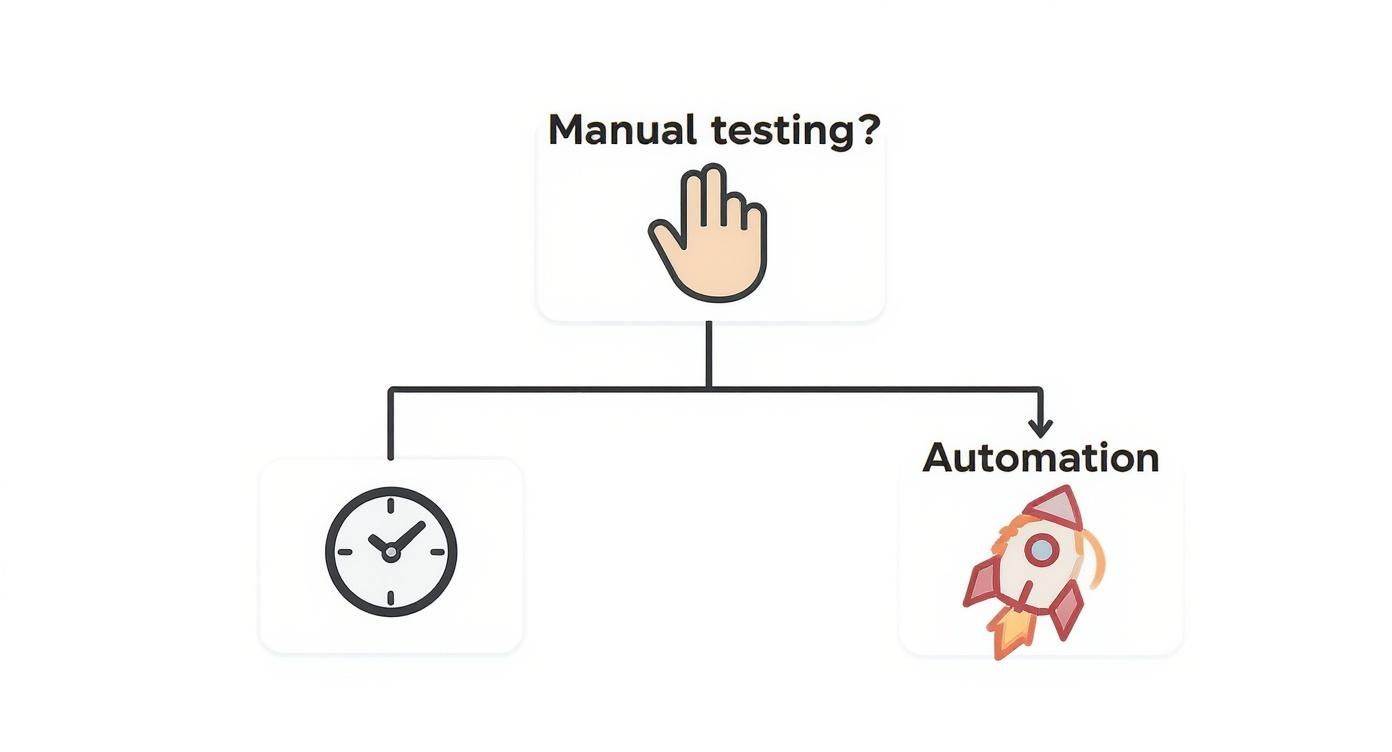
As the graphic shows, if you’re aiming for speed and efficiency in your release cycles, automation is the obvious path forward.
Before you even start looking at feature lists, take a look inward. An honest assessment of what your team can handle and what your application demands will shrink your list of options and make the final decision a whole lot easier.
You need to get real about a few key factors:
The goal isn’t just to write tests; it’s to build a testing practice that lasts. The right tool should feel like a natural part of your workflow, not another hurdle for your team to jump over.
For a more granular breakdown, check out our guide on the top web and mobile automation tools to consider in 2025. It goes much deeper into the comparisons to help you nail down the right choice.
So, let’s talk about the practical differences between the big three open-source frameworks. Each has its own personality and is built for different kinds of problems.
Backed by Microsoft, Playwright has earned its top spot with speed, reliability, and a seriously robust feature set. It comes with native parallelization and auto-waits, which are designed to stamp out test flakiness from the get-go. Its killer feature is the ability to handle multiple tabs, origins, and user contexts in a single test, making it perfect for complex user journeys.
Developers love Cypress, and for good reason. Its interactive test runner is a game-changer for debugging—you can literally see your application’s state at every single step. While it’s traditionally been a JavaScript-only world, its tight focus on the front end makes it an incredible tool for teams building modern web apps.
Selenium is the OG of browser automation. It has the largest community and the widest language support, period. The trade-off? Its setup can be clunky, and you often need to pull in third-party libraries for features that Playwright and Cypress include by default. It’s still a perfectly good choice for massive, legacy projects with diverse tech stacks.
In the end, it really comes down to what you value most. If you need maximum flexibility and can’t compromise on browser support, Playwright is probably your answer. If your team lives and breathes JavaScript and wants the best debugging experience possible, it’s hard to argue against Cypress.
Let’s be honest: an unreliable test suite is worse than no automation at all. When tests fail randomly, developers quickly learn to ignore them. Trust evaporates, and the whole effort becomes a source of friction instead of a safety net. The real goal is to build a suite so dependable that it becomes a non-negotiable part of the development workflow.
This kind of reliability doesn’t just happen. It’s the direct result of smart, deliberate choices in how you identify elements, structure your code, and design your tests from the ground up. A flaky test suite is almost always a symptom of building on a shaky foundation, which only leads to endless maintenance and debugging headaches down the road.

The single biggest reason tests become fragile is unstable element locators. A small CSS change from a developer shouldn’t torpedo your entire test run. This is exactly why relying on brittle, auto-generated XPaths is a recipe for constant pain.
Instead, your first choice should always be selectors tied directly to what the user sees and interacts with—things that are far less likely to change.
id or a dedicated data-testid attribute to key elements, use them. These are the most resilient locators you’ll ever find.role="button" or aria-label="Submit Form" are fantastic. They’re linked to accessibility, so they tend to stick around even through major visual redesigns.A test should fail for one reason only: because the application’s behavior changed. It should never fail because a developer refactored a CSS class. Adopting a stable selector strategy is the first—and most critical—step toward building a suite people can count on.
Focusing on these user-facing attributes decouples your tests from the nitty-gritty implementation details of the UI. This simple shift in mindset dramatically cuts down on test maintenance and helps you escape the endless cycle of fixing broken locators.
As your test suite grows, you’ll inevitably find yourself repeating the same element selections and interactions across dozens of tests. When a locator for the “login” button changes, you don’t want to be the person hunting it down in twenty different test files. This is where the Page Object Model (POM) becomes your best friend.
POM is a design pattern that neatly separates your UI interaction logic from your actual test logic. It works by creating a “page object” for each page or major component of your application.
Think of each page object as a class that contains two key things:
loginWithCredentials(username, password).The benefits are huge. Your tests become incredibly clean, focusing only on the “what” (the user’s goal) while the page object handles the “how” (the specific clicks and inputs). More importantly, if a UI element ever changes, you only have to update its locator in one single place—the corresponding page object. Problem solved.
Another common trap is writing long, monolithic tests that try to validate an entire user journey in one go. A single script that signs a user up, has them create a profile, add an item to the cart, and complete checkout is just asking for trouble. It’s incredibly fragile. If any one of those steps fails, the whole test goes red, making it a nightmare to pinpoint the actual cause.
A much smarter approach is to break complex workflows into smaller, atomic tests.
This modular structure makes your suite far more robust and debugging a whole lot easier. When a test fails, you know exactly which piece of functionality is broken. It takes a bit more planning upfront, but it’s an essential practice for any team serious about automating web application testing. For those wrestling with brittle tests, our guide on how to overcome flaky tests and maintenance offers even more advanced strategies.
Artificial intelligence in software testing isn’t some far-off concept anymore. It’s a practical tool that teams are using right now to automate web application testing. Let’s be clear: this isn’t about replacing QA engineers. It’s about giving them a serious upgrade—tools that tackle the most repetitive, mind-numbing tasks so they can focus on what humans do best.
The goal is to offload the grunt work. Think about all the time spent on writing and maintaining basic test scripts. Now, imagine just describing a user journey in plain English, like, “A new user signs up, adds a subscription to their cart, applies a discount code, and checks out.” An AI agent can take that simple instruction and spit out the executable test code for the entire flow. This is where AI is delivering real value, slashing the time it takes to build a solid regression suite.
Modern AI testing platforms, like our own TestDriver, essentially act as a co-pilot for your QA team. They understand natural language, so you can create end-to-end tests from scratch without getting bogged down in boilerplate code. It’s a game-changer for productivity, allowing an engineer to generate a whole batch of tests in the time it used to take to manually script a single one.
But where this technology truly shines is in test maintenance. We’ve all been there: a developer renames a button or moves an element, and suddenly half your test suite is broken. AI brings a brilliant solution to this classic headache: self-healing tests.
The industry is catching on fast. AI adoption in testing has exploded, with 72% of organizations now using AI tools to help generate test cases. The benefits are clear, too. We’re seeing AI improve test reliability by 33% and help cut down on defects by 29%. With 75% of enterprise software engineers expected to be using AI code assistants by 2028, this is quickly becoming the new standard.
Beyond just writing and fixing tests, AI is also incredibly good at analyzing the results. Instead of just getting a red “failed” status and having to dig through logs yourself, these tools can give you the why behind the failure almost instantly.
AI doesn’t just make test creation faster; it makes the entire feedback loop more intelligent. By automatically pinpointing root causes and identifying flaky patterns, it transforms debugging from a manual treasure hunt into a guided, data-driven process.
For example, when a test fails, an AI can analyze the final screenshot, comb through network logs, and point to the exact step where the application went off the rails. It can even spot patterns across multiple runs to flag a test as “flaky”—meaning it might be failing intermittently due to a timing issue or an environmental hiccup, not a real bug. This kind of insight helps teams prioritize what actually needs fixing and, just as importantly, helps everyone trust the automation suite a lot more.
To dive deeper into various applications and discussions around AI tools, you can Explore more articles on AI tools.
Your automated tests are most powerful when you don’t even have to think about them. The real goal is to weave them so seamlessly into your development workflow that they become an automatic, invisible quality gate—not just another task on a checklist. This happens when you plug your test suite directly into your Continuous Integration/Continuous Deployment (CI/CD) pipeline.
When you get this right, your tests just run. They provide instant feedback on every change without anyone needing to lift a finger. This is the essence of continuous testing: transforming quality assurance from a final, often-rushed step into an integral part of the development process itself.
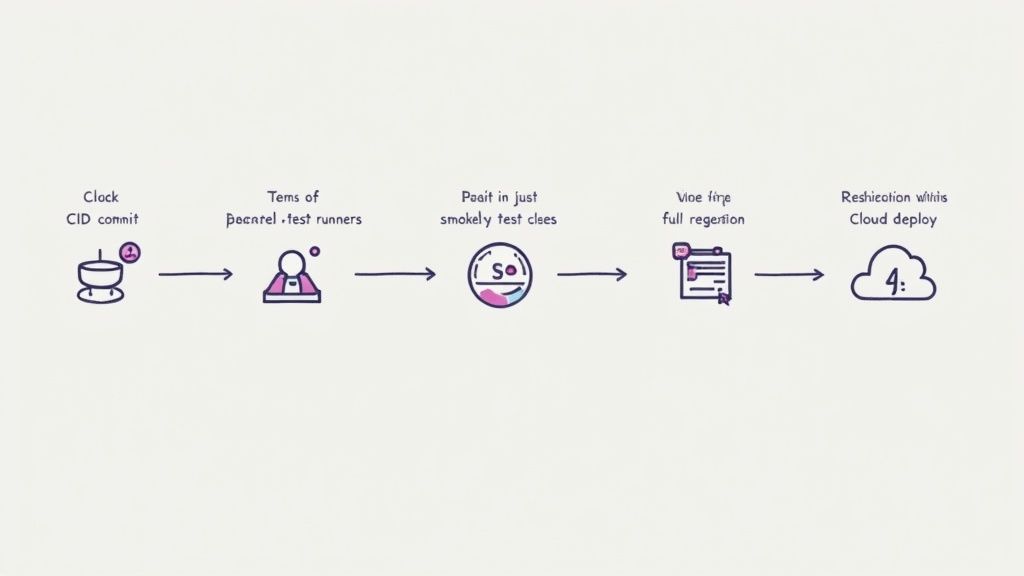
The first thing to figure out is when your tests should kick off. You could run the entire regression suite on every single commit, but that’s a surefire way to create a massive bottleneck. A smarter, tiered strategy gives you the right balance of speed and thoroughness.
From my experience, this is a setup that works incredibly well:
Of course, running the tests is only half the battle. You need to know immediately when something fails. Configure your CI/CD platform—whether it’s Jenkins, GitHub Actions, or CircleCI—to fire off instant notifications to Slack or email. A broken build should be a big deal, and fast alerts empower the team to jump on a fix right away.
There’s nothing more frustrating than waiting an hour for a test suite to finish. The longer developers are stuck waiting for feedback, the more likely they are to switch to another task. That context-switching makes it way harder to dive back in and fix any bugs the tests might find. This is exactly why parallelization is non-negotiable.
Most modern CI/CD tools and test frameworks are built for this. They let you split your test suite into smaller chunks and run them all at the same time across multiple virtual machines or containers.
Integrating your test suite into the CI/CD pipeline is what transforms automation from a helpful tool into a true continuous quality engine. It’s the difference between periodically checking for problems and actively preventing them from ever reaching production.
By running tests in parallel, you can absolutely crush your execution time. I’ve seen teams take a test suite that takes 60 minutes to run sequentially and get it down to just 10-15 minutes by running it across four or six parallel jobs. That kind of rapid feedback is a game-changer for keeping development moving quickly.
For a deeper look into this, check out our guide on the best practices for integrating testing into your CI/CD pipeline.
One of the most common reasons for test failures in a CI/CD pipeline has nothing to do with bad code—it’s a flaky environment. A test can fail because the database was down, a third-party API timed out, or the environment was polluted with bad data from a previous run.
To build a pipeline you can actually trust, you need a clean, stable, and completely isolated environment for every single test run. This is where containerization tools like Docker are a lifesaver. You can define a perfect, pre-configured environment in a file, spin it up with a fresh database for each run, and then tear it all down when you’re done. This approach completely eliminates the “it works on my machine” problem and ensures your tests are consistent and repeatable, every single time.
It’s easy to get caught up in the “green builds” and assume everything is fine. But a passing test suite doesn’t tell the whole story. If you really want to know if your efforts to automate web application testing are paying off, you have to look deeper than simple pass/fail rates.
The difference between a team just going through the motions and one that’s genuinely sharpening its quality process comes down to tracking the right key performance indicators (KPIs). This is where you get the hard data to prove what’s working, find out where you’re hitting snags, and make smarter decisions moving forward.
Forget the vanity metrics. Let’s talk about the numbers that give you real, actionable insights into your test suite’s health and its impact on your development cycle.
At the end of the day, measuring your automation isn’t about creating pretty charts for a report. It’s about building a feedback loop that fuels a culture of continuous improvement, where data—not just hunches—guides your quality decisions.
Just collecting these numbers isn’t enough. You have to use them. The real magic happens when you visualize this data on a simple dashboard—you don’t need a fancy tool, Grafana is great, but even a shared spreadsheet works—and use it to start conversations with your team.
For example, a rising flakiness rate isn’t just a statistic; it’s a clear signal that your team needs to pause and refactor those unstable tests. If your test suite is taking forever to run, maybe it’s finally time to get serious about parallelizing your test runs.
By making these metrics a part of your regular team check-ins, you can stay ahead of problems. This keeps your test suite a reliable, trusted asset instead of letting it slowly decay into another source of technical debt. It’s how you ensure your initiative to automate web application testing stays on a successful path.
Getting started with test automation always brings up a few key questions. I’ve seen teams debate these points time and again, and getting them right from the start can make all the difference between a successful automation strategy and a frustrating, abandoned effort.
This one comes up on almost every project. The short answer? Everyone. The best, most mature automation strategies I’ve seen embrace a “whole team” approach.
Developers are right there in the code, so they’re the best people to write unit and integration tests. It’s part of building quality in from the ground up. This frees up your QA engineers to focus on what they do best: crafting those complex, end-to-end tests that mimic real user behavior across the entire application. When everyone shares ownership, you build a much stronger quality culture.
Everyone wants to know the magic number. Should we aim for 100% automation? Honestly, no. Chasing that number is a recipe for wasted effort.
A much smarter approach is to focus on impact. Start by automating your core regression suite—the tests you run before every single release. Then, tackle your most critical user journeys. Think about the make-or-break workflows: can a user sign up, add an item to their cart, and successfully check out? These are the things that absolutely cannot fail.
Most high-performing teams I’ve worked with land somewhere around 70-80% automation for their regression tests. This frees up their manual testers for high-value tasks like exploratory testing, where human intuition and creativity can find the really subtle, tricky bugs that a script would never catch.
The real goal of automation isn’t just to run more tests; it’s to build unwavering confidence in every release. Automate the repetitive, high-risk scenarios so your team can focus on the nuanced quality checks that still demand a human eye.
Ah, the dreaded flaky test—the one that passes, then fails, then passes again for no apparent reason. My advice is simple: treat flaky tests with the same urgency as a critical production bug.
Why? Because they erode the single most important thing your test suite provides: trust. If the team can’t trust the results, they’ll start ignoring failures, and the whole system falls apart.
When you find a flaky test, quarantine it immediately so it doesn’t block your pipeline. Then, dig in to find the root cause. It’s usually one of a few common culprits:
Implementing explicit waits (instead of fixed sleeps) and making sure every test starts with a clean, predictable state are two of the most effective ways to stamp out flakiness for good.
Ready to stop scripting and start testing? With TestDriver, you can generate reliable end-to-end tests from a simple prompt. See how AI can accelerate your QA process at https://testdriver.ai.
Discover 8 actionable test environment management best practices for QA teams. Learn to improve stability, parity, and efficiency in your testing workflow.
Discover 10 automated software testing best practices for 2026. This guide covers CI/CD, test design, and AI-driven strategies for modern QA teams.
A practical guide to automated testing for web applications. Learn proven strategies, tool selection, CI/CD integration, and how to write maintainable tests.
Discover the 12 best codeless automation testing tools for web, API, and mobile. Our 2026 guide helps you choose the right platform for your QA workflow.
TestDriver runs every pull request in a real desktop sandbox, finds bugs, and builds regression tests - right from your repo.